
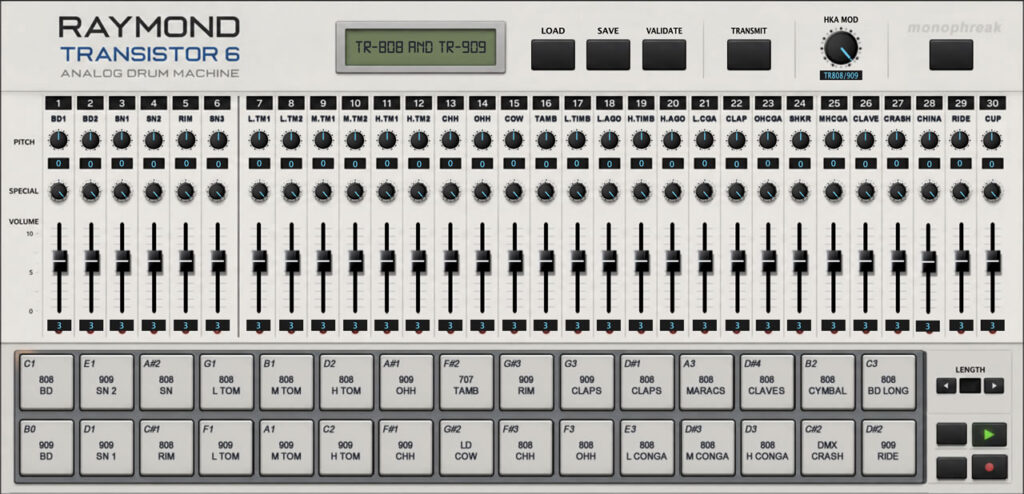
For the pure analogue side of my hybrid setup, I have been experimenting with drum machines. I decided on the TR-626 for a number of reasons. Budget and tuning. Initially, I was put off by some of the reviews in relation to the sounds being less than exciting but then found out about the HKA mod which made me chnge my mind. The HKA mod enables you to add an extra ROM of sounds from the TR-707, TR-808, TR-909, LinnDrum and DMX. The sounds then go through the 12 bit processors of the TR-626 and sounds really good.
I’m hybrid though and want to store tunings and pitch with each project for quick workload. To get started, I needed to work out the basic setup. I found out the my unit defaults to Channel 10 on factory reset. On page 78, it explains how to change the midi mode. Hold the shift key and tap key 15 (SYNC/MIDI). Press enter to cycle through options. At first, it wasn’t so obvious to me, finding the keys. Shift is towards the bottom left, near the LCD screen and the SYNC/AUDIO button is on 15. Hold down SHIFT then tap MIDI/SYNC. Then, press ENTER (bottom right) to cycle through the options. When you want to change an option, use the yop right VALUE, UP | DOWN keys to change settings.
The MIDI/SYNC menu looks like this.
- Sync Mode – MIDI SYNC, Tape Sync, Sync Off.
- Omni mode On/Off
- Reception Channel (1 to 16)
- Key No (35 onwards)
- Transmission Channel (1-16)
- Exclusive (data transmision/reception through MIDI)
The Problem
Anyhow – I work hybrid through a DAW so the key question I need to ask myself is – what problem am I trying to solve? The answer, to quickly load up drum pitch tunings and volume settings for different songs. The main reason why I bought the TR-626 is so that I can tune and volume mix my kit, per project. I do not want to have to go into the Roland each time and meticulously tune and level my kit. I looked around. No proper editors for this since it’s release in 1987? Woah, I need to write another editor!
The Solution
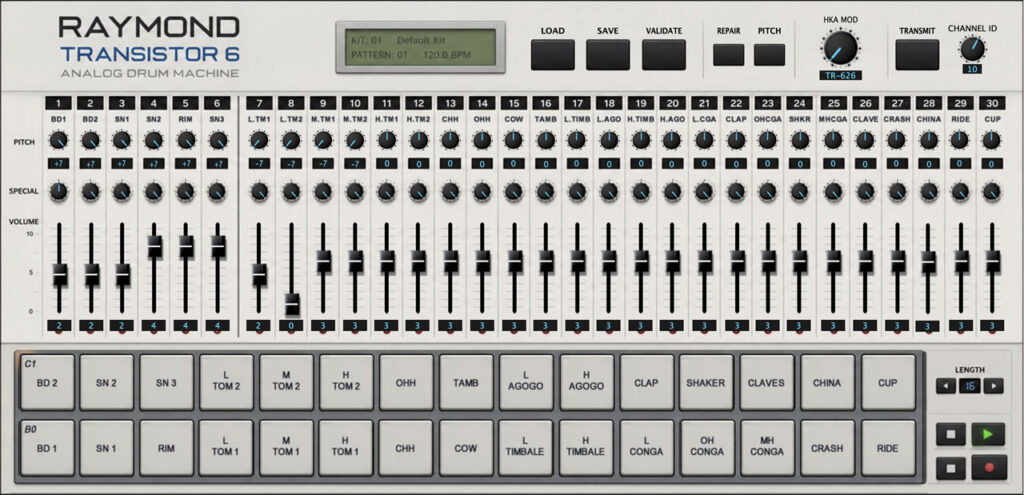
The solution: The Raymond Transitior 6. I wanted quick loading, dumping and transmission of the onboard settings to load in kits without fiddling. I also wanted visuals to see exactly what is the globals, with potential for quick editing.
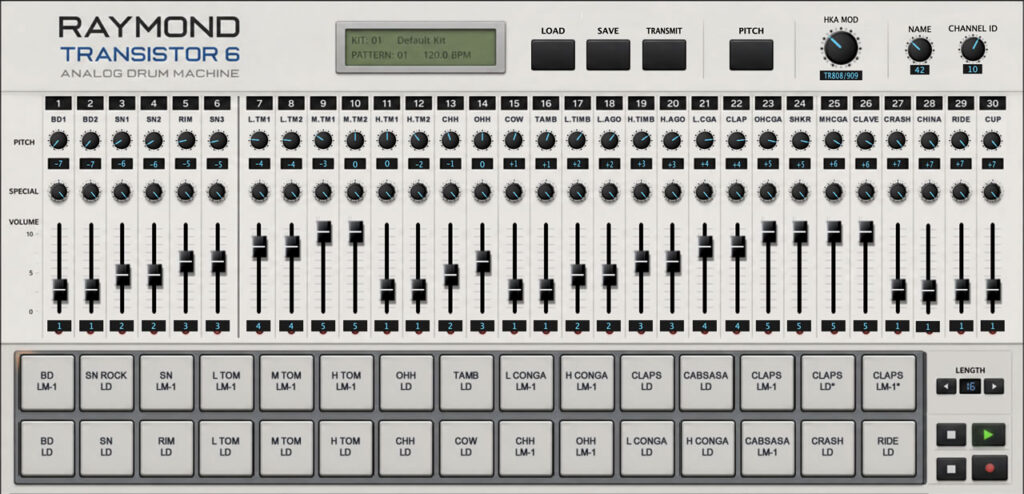
UPDATE: So far, I have loading and editing working fine, tuning and volume plus live note on and off with velocity. The next steps involve the transmit. I’ll pause here and then look at building in a librarian.
Today, I added validate functions to check the bank you imported will actually work. I can imagine there will be nothing more annoying that having a killer bank of grooves, only to find you can’t get it back into the TR-626. Well, now my validate option will scan the import and check for errors so that you can repeat the process before the final save.
UPDATE: Raymond is live. It is now ready for anyone who wants to try it out. Compete the form below and I’ll wing a copy your way.
The Future…
Well, it’s fair to say that there is a lot of data in that dump. Given the right inclination, I’m tempted to explore a full blown option for offline editing of patterns. However, I like to write software but also like to write music and it’s a lengthy project and possibly a rabbit hole. The editor does what I need it to do since I trigger over the DAW but I may open up Pandora’s box and delve deeper. It’s certainly possible to do so. Let me know what you think on the comments below!
Update
I managed to pick up at TR-707 cheap. As an experiment, I thought I’d head back to 1985 and unpack the SysEx. It looked daunting but not as daunting as the TR-626. 15 blocks of 519 bytes of code. I quickly unraveled the mysteries of this box and made a prototype editor. This editor will work on the TR-727 also and it was very close to the TR-909. I don’t have a TR-909 but if someone is interested in experimenting, should be easy enough to get it up and running. Anyhow – back the TR-626. Lots of parallels in here. I can see it will be possible to make an editor for it. The big issue is time and, while I have a mission to keep old gear alive, I do need coffees. I think I need to see if there is enough demand. Let me know your thoughts on the comments below and in the interim, check out my proof of concept for the TR-707 below:
please i want to download raymond transitor